
Find the decision
Search conversation text, item names, groups and authors. Matching words stand out in results.

Find the conversation behind the work. Search your board's updates and replies for approvals, decisions and feedback, then open the original item.
Read-only board search · Light and dark themes
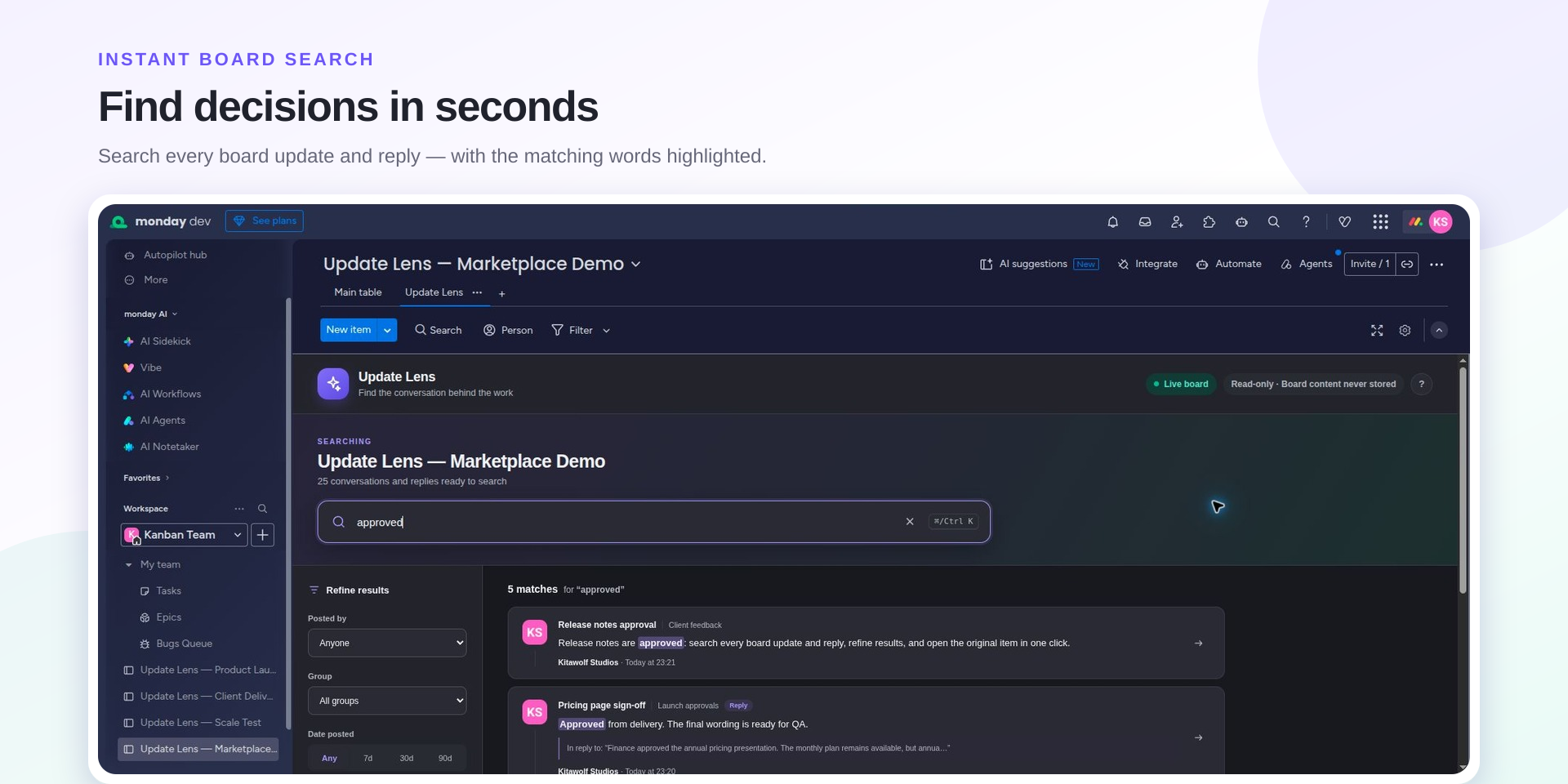
Search conversation text, item names, groups and authors. Matching words stand out in results.
Combine author, group, date and attachment filters to find the update you need.
Read a reply's parent context, then open the original item's Updates section inside monday.com.
Your board stays in monday.com
Update Lens processes conversations in the active browser view. Kitawolf Studios does not keep an external copy of your board content.
Update Lens is being tested before submission to monday.com. Public installation and pricing will be announced when available.
Read the help guideIndependent software by Kitawolf Studios. monday.com approval is pending.